
Unable to find what you're searching for?
We're here to help you find itMaster 3D modeling and technical drafting with Koenig. This CAD for Mechanical Design course prepares you for Autodesk certification through hands-on training and expert-led projects.


500K+ certified professionals



























Explore CAD for Mechanical Design certification and training courses — delivered live by certified instructors.
CAD for Mechanical Design is a specialized category of computer-aided design software published by vendors such as Autodesk and Bricsys to solve engineering challenges in product development, manufacturing, and mechanical systems design. It sits within the broader CAD ecosystem, extending general drafting tools with purpose-built functionality for precision mechanical engineering workflows. Key components include AutoCAD Mechanical, which delivers 700,000+ standard parts and automated drafting tools for 2D design; Autodesk Inventor, offering parametric 3D modeling, simulation, and model-based definition for complete product validation; and BricsCAD Mechanical, providing DWG-compatible 2D and 3D design with sheet metal unfolding, assembly modeling, and automated BOM generation. These tools integrate specialized libraries, design automation, and manufacturing-ready documentation workflows. This technology is for mechanical engineers, design drafters, and manufacturing professionals who require precise, standards-compliant tools to develop, document, and validate mechanical systems efficiently.
User Interface Navigation
Navigate Fusion 360 interface, browser, timeline and workspaces
Sketch Creation
Create and modify 2D sketches with dimensions and constraints
3D Part Modeling
Use Extrude, Revolve, Hole and Shell to build solid features
Assembly Management
Create components, apply joints and manage rigid groups
Direct Modeling
Edit geometry using Press/Pull, Combine and Split tools
Technical Drawings
Generate detailed drawings with views, annotations and title blocks
The building blocks every CAD for Mechanical Design solution is made of
See what your official CAD for Mechanical Design certification looks like. Download a sample — then let our advisors map the fastest path to earning the real one.
 ADSK-AC-F360-01Autodesk Certified Associate in CAD for Mechanical Design
ADSK-PC-F360-01Autodesk Certified Professional in CAD for Mechanical Design
DS-CSWA-MECHSolidWorks Certified Associate (CSWA) - Mechanical Design
DS-CSWP-MECHSolidWorks Certified Professional (CSWP) - Mechanical Design
DS-CSWE-MECHSolidWorks Certified Expert (CSWE) - Mechanical Design
SIEMENS-NX-CERTSiemens NX Certified Professional
Official credential badges — shareable on LinkedIn
ADSK-AC-F360-01Autodesk Certified Associate in CAD for Mechanical Design
ADSK-PC-F360-01Autodesk Certified Professional in CAD for Mechanical Design
DS-CSWA-MECHSolidWorks Certified Associate (CSWA) - Mechanical Design
DS-CSWP-MECHSolidWorks Certified Professional (CSWP) - Mechanical Design
DS-CSWE-MECHSolidWorks Certified Expert (CSWE) - Mechanical Design
SIEMENS-NX-CERTSiemens NX Certified Professional
Official credential badges — shareable on LinkedIn
Four formats. One quality standard. Every option comes with the same expert instructors, official courseware, and money-back guarantee.
Every factor that determines whether you actually pass your CAD for Mechanical Design exam — rated across every training format available.
| Criteria | Koenig | Free Platform | Self-Paced Platform | ALP Provider | Legacy Provider | Note |
|---|---|---|---|---|---|---|
| Trainer Quality & Credentials | ||||||
| MCT-Certified Trainers | — | |||||
| Live Instructor-Led Delivery | Partial | — | ||||
| 1-on-1 Private Training | Partial | — | ||||
| Autodesk Authorization | ||||||
| Official Autodesk ALP Status | — | |||||
| Autodesk Official Courseware | Partial | — | ||||
| ESI / EA Credits Accepted | — | |||||
| Flexibility & Access | ||||||
| Any-Day / Flexi Start | Partial | — | ||||
| On-Site or Fly-Me Trainer | Partial | — | ||||
| Global Delivery Reach | Partial | Partial | — | |||
| Results & Trust | ||||||
| Exam Pass Rate | N/A | N/A | Partial | N/A | Row omitted on live page: unverified for this vendor | |
| Entry Price (Fundamentals) | ~$745 · best value | Free | Free | ~$1,500+ | $15-30/mo | — |
| Verified Learner Reviews | 18,400+ · 4.9★ | N/A | N/A | Limited | N/A | Row omitted on live page: unverified for this vendor |
Data sourced from public pricing pages and review platforms. Accurate as of March 2026. Partial = available in select regions only.
Verified reviews from learners certified on Azure, AI, Security, and more.
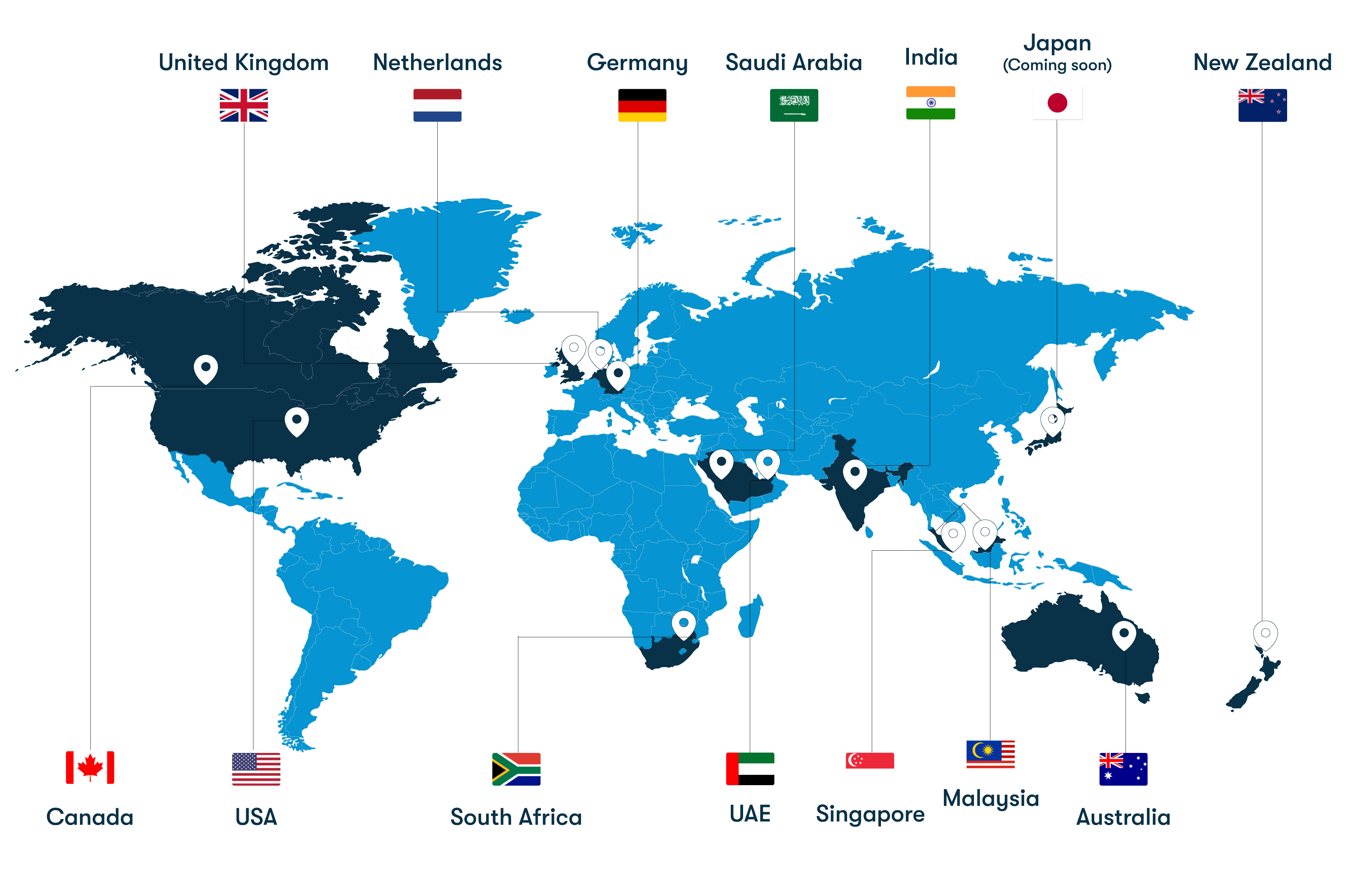
From our headquarters in India to training centers across UAE, Iraq, Saudi Arabia, UK, USA, Singapore, Australia, and more — Koenig delivers Microsoft certification training in 50+ countries.