
Unable to find what you're searching for?
We're here to help you find itMaster Microsoft Copilot to automate workflows and analyze data. Our expert-led training prepares you for the Microsoft 365 Certified: Copilot and Agent Administration Fundamentals exam.


500K+ certified professionals


























Explore Microsoft Copilot certification and training courses — delivered live by certified instructors.
Microsoft Copilot is an AI-powered assistant developed by Microsoft that enhances productivity by integrating generative AI into daily workflows. It operates within the Microsoft 365 ecosystem, leveraging large language models and user-permissioned organizational data to deliver context-aware assistance across applications. Key components include Microsoft 365 Copilot Chat, which enables secure, AI-driven conversations grounded in web and work data; Copilot Search, an AI-powered universal search across Microsoft 365 and connected third-party sources; Copilot Notebooks, for organizing and analyzing project content; and Create, which generates documents, presentations, and multimedia from prompts. The platform also supports Agents for automating tasks and Connectors to integrate external data from services like Salesforce, ServiceNow, and Google Drive. This technology is designed for business professionals, knowledge workers, and IT teams who rely on Microsoft 365 applications to manage communication, data, and collaboration, enabling them to automate tasks, retrieve insights, and create content efficiently within a secure, enterprise-grade environment.
Microsoft 365 Core Services
Identify users, groups, teams, sites and libraries in Microsoft 365
Entra ID Management
Manage users, groups and conditional access policies in Microsoft Entra ID
Exchange Online Mailbox
Ensure primary mailbox is hosted in Exchange Online with grounding enabled
Purview Data Governance
Apply sensitivity labels and manage retention policies in Microsoft Purview
Copilot Licensing
Assign eligible Microsoft 365 licenses required for Copilot access
Admin Center Navigation
Use Microsoft 365 admin centers for Teams, SharePoint and security
The building blocks every Microsoft Copilot solution is made of
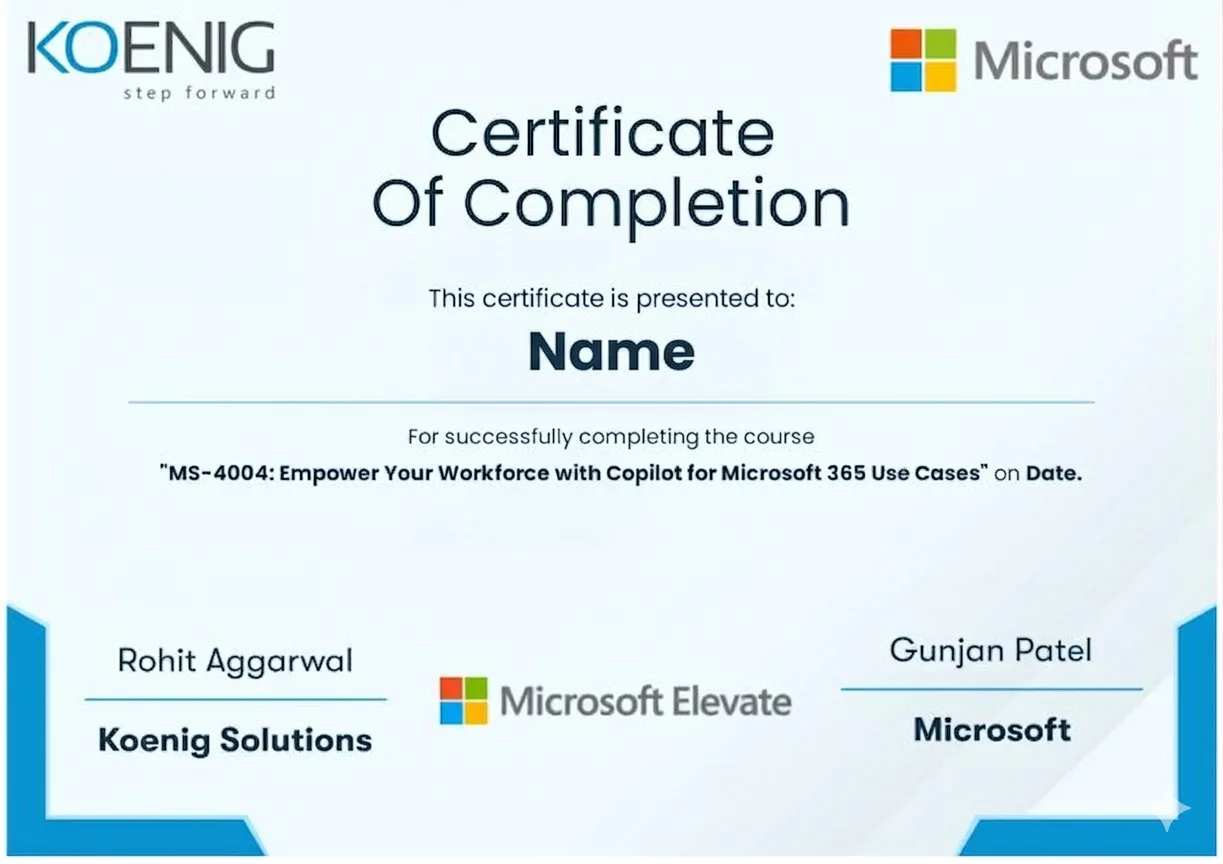
See what your official Microsoft Copilot certification looks like. Download a sample — then let our advisors map the fastest path to earning the real one.
 AB-900Copilot and Agent Administration Fundamentals
AB-620Designing and Building Integrated AI Solutions in Copilot Studio
AI-102Designing and Implementing a Microsoft AI Solution
PL-200Microsoft Power Platform Functional Consultant
MS-700Managing Microsoft Teams
AZ-900Azure Fundamentals
Official credential badges — shareable on LinkedIn
AB-900Copilot and Agent Administration Fundamentals
AB-620Designing and Building Integrated AI Solutions in Copilot Studio
AI-102Designing and Implementing a Microsoft AI Solution
PL-200Microsoft Power Platform Functional Consultant
MS-700Managing Microsoft Teams
AZ-900Azure Fundamentals
Official credential badges — shareable on LinkedIn
Four formats. One quality standard. Every option comes with the same expert instructors, official courseware, and money-back guarantee.
Every factor that determines whether you actually pass your Microsoft Copilot exam — rated across every training format available.
| Criteria | Koenig | Free Platform | Self-Paced Platform | Enterprise Training Partners | Traditional Training Centers |
|---|---|---|---|---|---|
| Trainer Quality & Credentials | |||||
| MCT-Certified Trainers | Partial* | Partial* | |||
| Live Instructor-Led Classes | |||||
| 1-on-1 Private Training | |||||
| Microsoft Authorisation | |||||
| Official Microsoft ALP Status | Partial* | ||||
| Official MOC Courseware | Partial* | ||||
| ESI / EA Credits Accepted | Partial* | ||||
| Flexibility & Access | |||||
| Flexi / Any-Day Start | |||||
| On-Site / Fly-Me-A-Trainer | |||||
| Global Delivery (50+ countries) | Partial* | Partial* | |||
| Results & Trust | |||||
| Exam Pass Rate | 95% · verified success | Variable | Not tracked | ~70–75% | Not published |
| Entry Price (Fundamentals) | ~$795 | Free | $15-30/mo | ~$1,500+ | ~$1,400+ |
| Verified Student Reviews | 18,400+ · 4.9★ | N/A | High volume | Limited | Limited |
Data sourced from public pricing pages and review platforms. Accurate as of March 2026. Partial = available in select regions only.
Verified reviews from learners certified on Azure, AI, Security, and more.
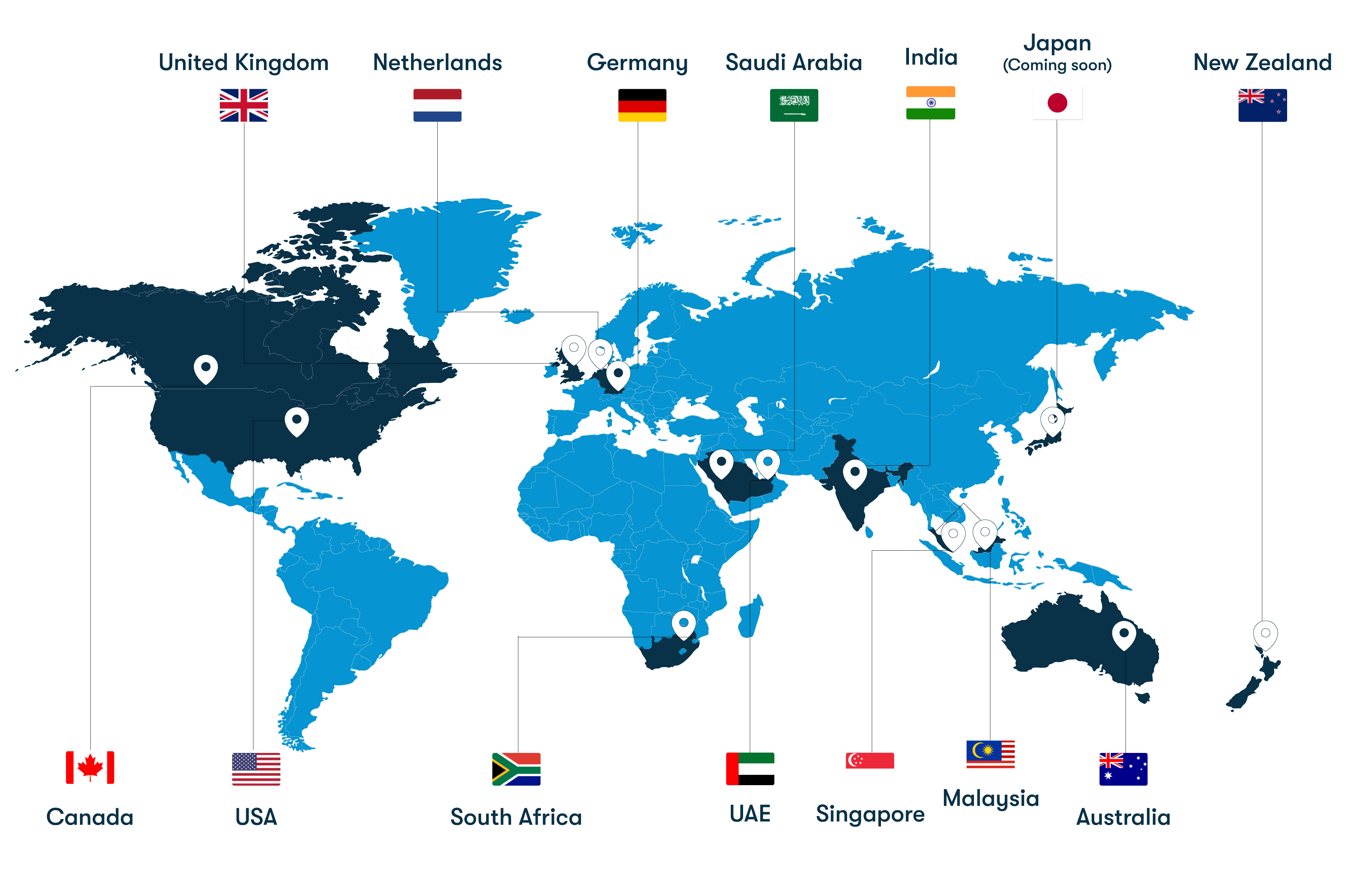
From our headquarters in India to training centers across UAE, Iraq, Saudi Arabia, UK, USA, Singapore, Australia, and more — Koenig delivers Microsoft certification training in 50+ countries.