
Unable to find what you're searching for?
We're here to help you find itMaster Adobe Photoshop (Visualization) to create professional designs using advanced tools and AI features. Gain industry-recognized certification through expert-led hands-on training and real-world projects.
500K+ certified professionals



























Explore Adobe Photoshop (Visualization) certification and training courses — delivered live by certified instructors.
Adobe Photoshop is a digital imaging software published by Adobe Inc. that enables users to create, edit, and manipulate raster graphics for print, web, and mobile platforms. It serves as the foundational tool within Adobe’s Creative Cloud suite for professional photo editing, graphic design, and visual compositing. The core application, Photoshop, provides pixel-level editing, layer-based composition, and masking tools. Integrated AI-powered features such as Generative Fill, Generative Expand, and Harmonize enable content-aware editing and seamless compositing. Generative Upscale enhances image resolution while preserving detail, and Distraction Removal automatically eliminates unwanted elements. These tools are accessible across Photoshop on desktop, web, and mobile, ensuring consistent workflows. Adobe Photoshop is for graphic designers, photographers, digital artists, and marketing professionals who require precise control over visual content creation and image manipulation. Its comprehensive toolset supports complex editing tasks, creative experimentation, and efficient production workflows across industries.
Digital Image Fundamentals
Define resolution, file types, color modes, and raster versus vector
Design Principles
Apply elements like contrast, balance, alignment, and rule of thirds
Photoshop Interface
Navigate workspace, panels, tools, and document settings efficiently
Layer Management
Organize, group, and adjust layers with blending modes and opacity
Selections and Masks
Create and refine selections using marquee, lasso, and AI tools
Retouching Techniques
Use healing, clone, and Content-Aware tools for image repair
The building blocks every Adobe Photoshop (Visualization) solution is made of
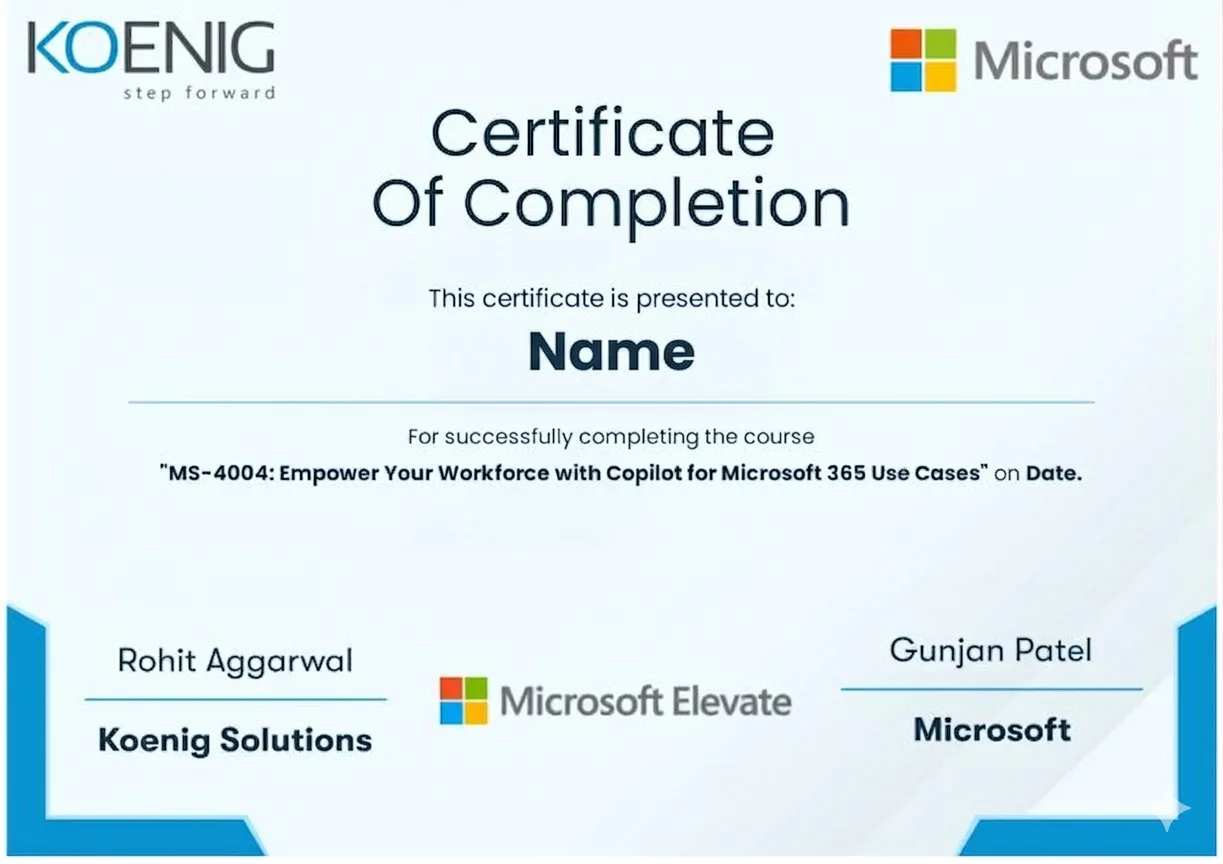
See what your official Adobe Photoshop (Visualization) certification looks like. Download a sample — then let our advisors map the fastest path to earning the real one.
 Visual Design Using Adobe PhotoshopVisual Design
Visual Design Using Adobe IllustratorVisual Design
Visual Design Using Adobe InDesignVisual Design
Video Design Using Adobe Premiere ProVideo Design
Video Design Using Adobe After EffectsVideo Design
Web Design Using Adobe DreamweaverWeb Design
Official credential badges — shareable on LinkedIn
Visual Design Using Adobe PhotoshopVisual Design
Visual Design Using Adobe IllustratorVisual Design
Visual Design Using Adobe InDesignVisual Design
Video Design Using Adobe Premiere ProVideo Design
Video Design Using Adobe After EffectsVideo Design
Web Design Using Adobe DreamweaverWeb Design
Official credential badges — shareable on LinkedIn
Four formats. One quality standard. Every option comes with the same expert instructors, official courseware, and money-back guarantee.
Every factor that determines whether you actually pass your Adobe Photoshop (Visualization) exam — rated across every training format available.
| Criteria | Koenig | Free Platform | Self-Paced Platform | ALP Provider | Legacy Provider | Note |
|---|---|---|---|---|---|---|
| Trainer Expertise | ||||||
| MCT-Certified Trainers | ✘ | ✘ | ✘ | — | ||
| Live Instructor-Led Delivery | ✘ | ✘ | Partial | — | ||
| 1-on-1 Private Training | ✘ | ✘ | ✘ | ✘ | — | |
| Adobe Authorization | ||||||
| Official Adobe ALP Status | ✘ | ✘ | ✘ | — | ||
| Adobe Official Courseware | ✘ | Partial | — | |||
| N/A — Removed (no training credits) | — | — | — | — | — | Row omitted on live page: unverified for this vendor |
| Flexibility & Access | ||||||
| Any-Day/Flexi Start | ✘ | ✘ | — | |||
| On-Site or Fly-Me Trainer | ✘ | ✘ | ✘ | ✘ | — | |
| Global Delivery Reach | Partial | Partial | — | |||
| Results & Trust | ||||||
| Exam Pass Rate | ✘ | ✘ | ✘ | ✘ | — | |
| Entry Price | ~$750 · best value | Free | $15-30/mo | ~$1,000+ | ~$1,500+ | — |
| Verified Learner Reviews | 18,400+ · 4.9★ | N/A | N/A | Limited | Limited | — |
Data sourced from public pricing pages and review platforms. Accurate as of March 2026. Partial = available in select regions only.
Verified reviews from learners certified on Azure, AI, Security, and more.
From our headquarters in India to training centers across UAE, Iraq, Saudi Arabia, UK, USA, Singapore, Australia, and more — Koenig delivers Microsoft certification training in 195+ countries.